Rebuilding This Portfolio in Astro
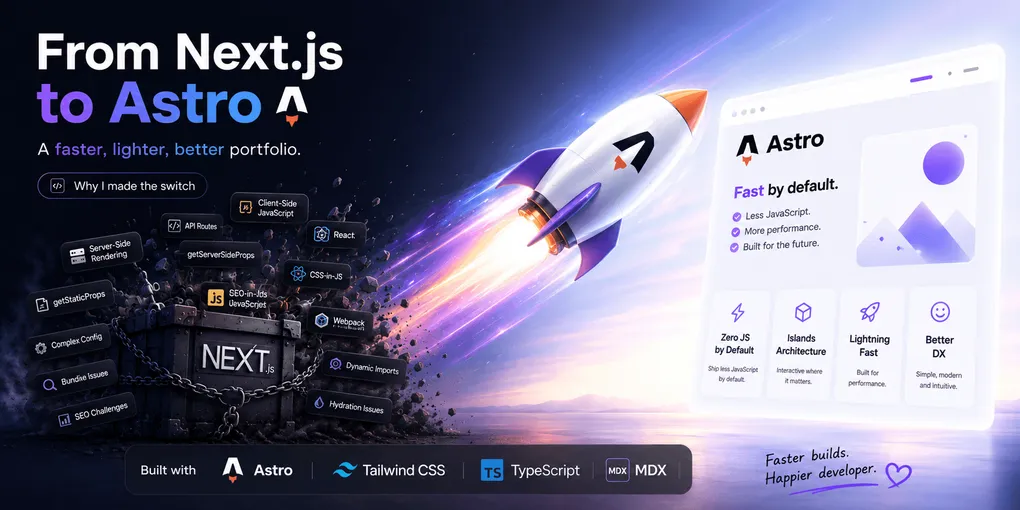
For a couple of years my portfolio was a Next.js app. It worked fine, but every time I opened the project to make a small content tweak, I ended up staring at a hydration warning or waiting on a dev server that felt heavier than the site needed. A personal portfolio is mostly static content: text, project cards, a hero section, some animations. It doesn’t need a client-side router or a JS runtime bundled into every page. So I rebuilt it on Astro, and it’s been a relief.
Why Astro over Next.js
Three things pushed me over:
- Islands over full hydration. Astro ships zero JavaScript by default and only hydrates the components that actually need interactivity. My site barely has any client-side state. The only real interactivity is scroll-driven animation, so most of the page never needs to boot a framework runtime at all.
- Content collections. Astro’s content collections give me typed, schema-validated Markdown/MDX out of the box. No custom MDX pipeline to maintain, no manual frontmatter parsing.
- It’s just simpler. Routing is file-based, pages are
.astrofiles that look like HTML with a frontmatter script block, and there’s no need for frequent migrations or updates every time Next ships a new paradigm.
None of this is a knock on Next.js. It’s the right tool for an app with real client state and server actions. My portfolio just isn’t that.
How the project is set up
The stack, as it stands today:
- Astro 7 as the core framework, with the
@astrojs/mdxintegration for MDX support in blog posts. - Tailwind CSS v4, wired in directly through the
@tailwindcss/viteplugin rather than a separate Astro integration. v4’s CSS-first config means there’s notailwind.config.jsto maintain. - GSAP for animation: a hover highlight that uses GSAP’s Flip plugin to animate project rows, plus a canvas-based “ocean” ripple effect in the hero section.
- Three.js for supplementary WebGL work.
- Local variable fonts. Geist is self-hosted as a variable font (
Geist[wght].woff2) viafontProviders.local(), and Geist Mono comes from the Fontsource provider, both registered through Astro’s built-in font API instead of a<link>tag to Google Fonts. @astrojs/sitemapfor an auto-generated sitemap, and@astrojs/rssfor the blog’s RSS feed.- Sharp for build-time image optimization via
astro:assets. - TypeScript throughout, checked with
astro check, plus Vitest for unit tests on the pure logic (the ocean-effect math and thellms.txtbuilder are both tested in isolation from any DOM). - Husky + lint-staged + Prettier (with
prettier-plugin-astro) so formatting is enforced on commit, not in code review.
Blog content lives in src/content/blog/ and is validated against a Zod schema: title, description, pubDate, an optional updatedDate, and an optional heroImage that Astro resolves and optimizes through its image() helper.
// src/content.config.ts
const blog = defineCollection({
	loader: glob({ base: './src/content/blog', pattern: '**/*.{md,mdx}' }),
	schema: ({ image }) =>
		z.object({
			title: z.string(),
			description: z.string(),
			pubDate: z.coerce.date(),
			updatedDate: z.coerce.date().optional(),
			heroImage: z.optional(image()),
		}),
});
If a post is missing a required field or has a malformed date, the build fails loudly at compile time instead of rendering a broken page in production.
Performance benefits
The numbers improved immediately after the migration. Pages that don’t need interactivity ship no framework runtime, just HTML and CSS plus a small script for the scroll-triggered GSAP animations. There’s no hydration pass either: the site is interactive as soon as it paints, because Astro doesn’t re-execute components on the client.
The build output shrank too. Static HTML for pages that don’t change per-request means the deployed bundle is a fraction of the Next.js version. And every image referenced through astro:assets is resized and re-encoded at build time by Sharp, with no manual next/image config and no runtime image server on Vercel.
Design and structure
The visual goal was restraint: a dark, high-contrast layout built around Tailwind v4 utility classes, with animation reserved for a few moments that earn it. A hover-highlight effect on project rows uses GSAP’s Flip plugin so the highlight glides between rows instead of snapping. Behind the hero section, a subtle canvas-based ripple effect adds motion without dominating. Everything else (typography, spacing, the blog’s prose styles) stays quiet so those two animated details actually stand out.
Structurally, the site follows Astro’s conventional layout:
src/
├── assets/       # fonts, images, blog placeholders
├── components/   # Header, Footer, ProjectCard, SkillsSection, etc.
├── content/      # blog/ collection (Markdown + MDX)
├── layouts/      # Layout.astro, BlogPost.astro
├── lib/          # pure helper functions (llms.txt builder, effect math)
└── pages/        # file-based routes
Keeping DOM-touching code separate from pure logic (in src/lib/) is what makes it possible to unit test things like the ocean-effect math or the llms.txt generator with Vitest, without spinning up a browser.
Making it SEO-friendly
Astro’s starter template already gets you canonical URLs, a sitemap, and RSS support for free, but I layered a few things on top:
- A centralized
src/data/seo.tsconfig for site URL, keywords, locale, and social handles, so every page pulls from one source of truth instead of hardcoding metadata. - A shared
BaseHead.astrocomponent that renders canonical links, Open Graph tags, Twitter card tags, and JSON-LD structured data on every page (with<escaped inside the JSON-LD script so it can’t accidentally close the<script>tag early). - An explicit
robots.txtthat allows mainstream crawlers and AI crawlers like GPTBot and ClaudeBot. I want the site indexed and citable rather than blocked by default. - A generated
llms.txtendpoint (src/pages/llms.txt.ts) built from the same portfolio data that powers the UI, so AI assistants summarizing or citing the site get accurate, structured context instead of scraping the rendered HTML.
Astro’s file-based routing made it straightforward to add robots.txt and llms.txt as regular pages that build alongside everything else.
Was it worth it
Yes. The site loads in under a second, the codebase fits in a single src/ directory with no monorepo tooling, and I can publish a new blog post by dropping a Markdown file into a folder. If your project is content-heavy and only sparingly interactive, that’s exactly the shape Astro is built for.